
Portfolio Dashboard
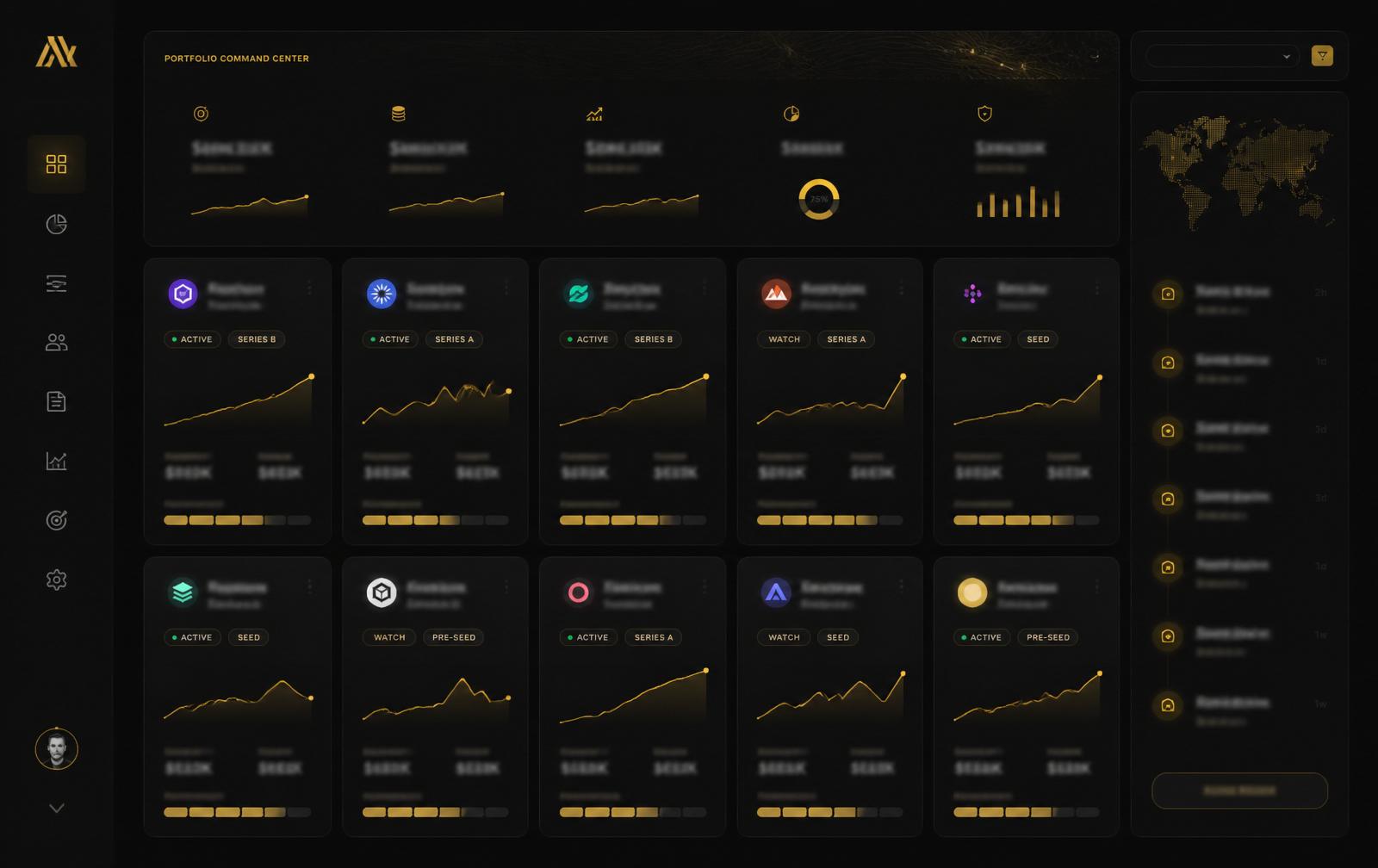
Every venture on one screen — status, stage, owner, momentum.
Stop losing context switching between decks, drives, and Notion pages. The Portfolio Dashboard is the live command center for every company in your portfolio.
Built for founders who refuse to run a portfolio like a folder of tabs.
One glance, full context
Ventures, stages, owners, and momentum bars side by side — no spreadsheet stitching required.
Signal, not noise
Automatically surface which venture needs your attention this week, and why.
Built for portfolios
Designed from day one for founders running 2, 5, or 20 ventures — not one.
Everything you expect from a command center — nothing you don't.
Purpose-built for operators running multiple businesses. Every feature earns its place.
- Live venture cards with stage, owner, and momentum
- MRR, headcount, runway per venture
- Weekly attention feed (what needs the founder)
- Investor-ready summary export
- Cross-venture tagging and cohorts
- Custom KPIs per venture
From signal to action, inside one system.
Connect
Wire in Stripe, GA, PostHog, and your task tools. Ventures populate automatically.
Prioritize
The dashboard ranks ventures by momentum shift and outstanding decisions.
Act
Jump from a card into deal-flow, hiring, growth, or payments without changing screens.